Software to Customise Your Microsoft Mouse
Microsoft IntelliPoint lets you customise your Microsoft mouse’s unique features to derive more value out of it.
Top Recommended Alternative

Customisations Galore
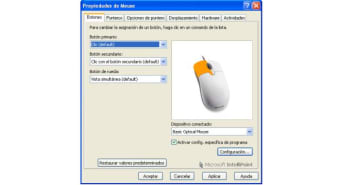
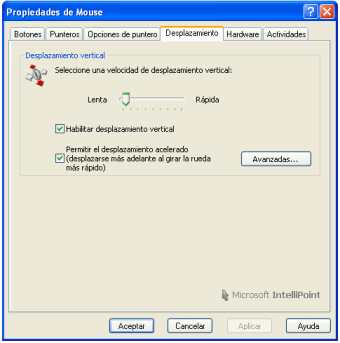
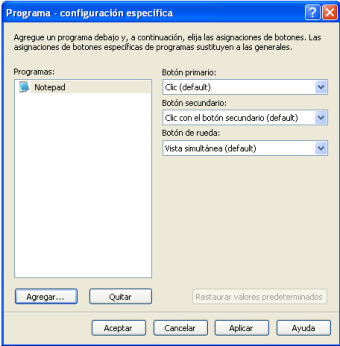
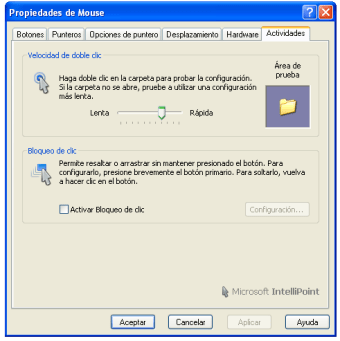
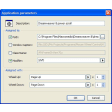
The software program offers customisation options to fit your requirements. You may reassign the buttons to perform shortcuts, commands, and app-specific functions. These could entail performing commands such as Copy or Undo, or running a macro. Also, you may modify mouse settings – for instance, pointer speed – and update horizontal scrolling. Microsoft IntelliPoint also provides biometrics support to facilitate advanced identity management. In case your keyboard or mouse is Bluetooth-enabled, you must have Service Pack 2-equipped Windows XP to work with this software program. You may also configure the Microsoft IntelliPoint software tool to receive automatic updates.
Easy to Download and Install
The software is fairly easy to download and install. You need not go through multiple hoops to get rolling and customising your Microsoft mouse. You may download the software from the Internet directly by heading to Microsoft’s official website. The instructions to download and install would be laid out on the site in a step-by-step pattern. You can also install the tool through a CD. This CD comes bundled in with your IntelliPoint Mouse. The CD works on Windows 7, Vista, XP and later versions of the Windows platform. If you use your Windows desktop for a variety of reasons, such as video editing, graphics, gaming, etc., you would find these custom mouse settings handy and time-saving.